
Your AI image studio
Image 2.5 turns your words intoimages.
Create with Image 2.5. Turn a prompt into a new image, refine a reference, and make every detail your own.
Image 2.5 generator
From first idea to final detail
One idea. A new perspective.
Two actual results from Image 2.5: a Flare generation, followed by a Sunburst edit using the first image as a reference.
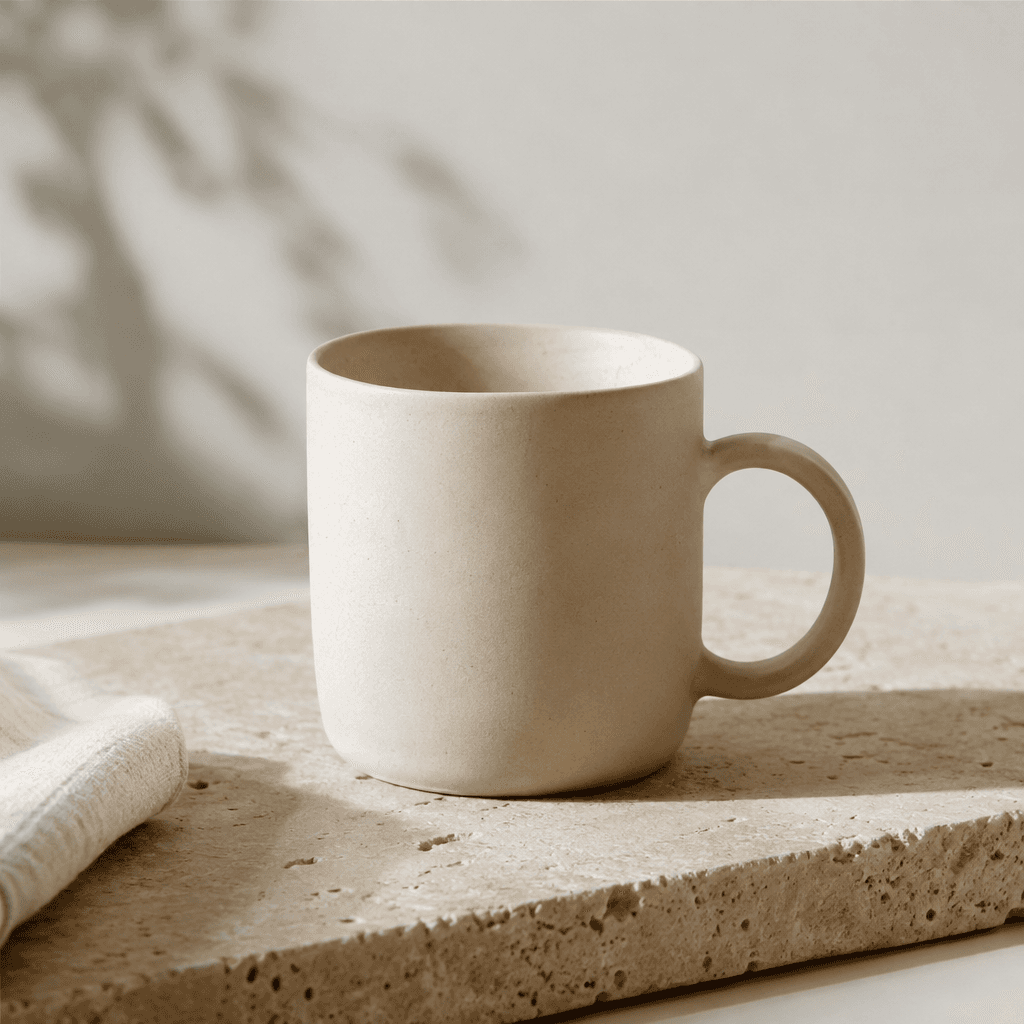
01 / Create with Flare
Start with a product shot
A ceramic mug, soft studio light, and a clean background. Generated from a text prompt.
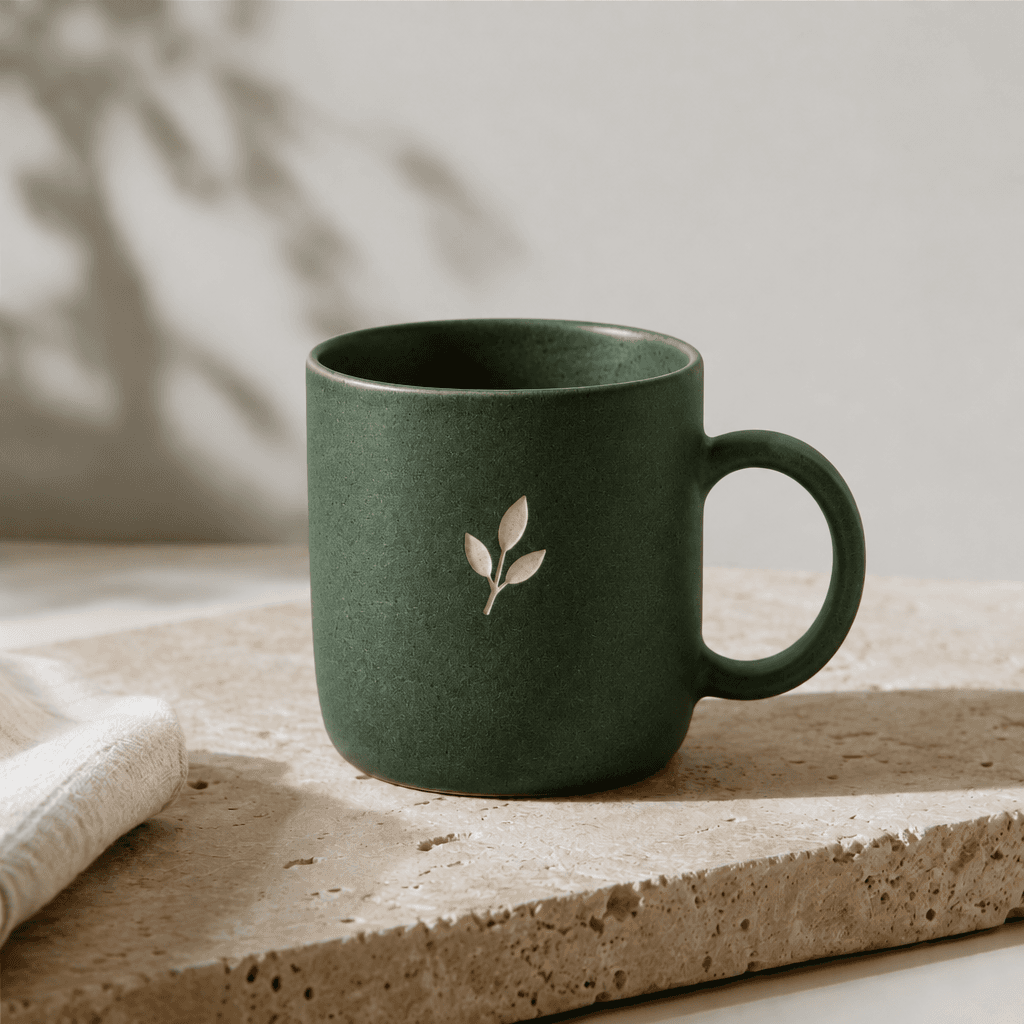
02 / Refine with Sunburst
Make the details yours
The original image becomes the reference. A forest-green finish and cream emblem give it a new direction.
Practical tools for real work
Image 2.5 wraps the gpt image 2.5 models in a focused interface: describe an image or edit an existing one, choose your format, and get a downloadable result.
Three steps to a finished image
Compose your prompt
Write what you want to see, or switch to Edit with references and upload a reference or paste its public image URL.
Choose model & format
Pick Flare or Sunburst, an aspect ratio, and optionally set resolution, quality, and output format.
Generate & download
Image 2.5 creates your image while you follow its progress. Download your result before the link expires.
Flare and Sunburst
Choose your gpt image 2.5 model for the task at hand. APIMart describes Flare as focused on speed and Sunburst as focused on precise edits.
Fast generation
gpt image 2.5 Flare
Positioned by the provider for fast text-to-image generation — well suited to drafting, exploring prompt ideas, and quick iteration.
Editing precision
gpt image 2.5 Sunburst
Positioned by the provider for editing precision — well suited to reference-guided edits where careful, detail-aware changes matter.
Got questions?
Everything you need to know about Image 2.5 and the models behind it.
Image 2.5 is an independent web interface for generating and editing images with the gpt image 2.5 model family. You write a prompt, choose a model and output settings, and Image 2.5 submits the job to the underlying image generation service and shows the finished image once it's ready.
gpt image 2.5 is offered through two model variants. Flare is positioned for fast text-to-image generation, useful for quick drafts and iteration. Sunburst is positioned for editing precision, useful when you supply reference images and want careful, detail-aware edits. Both are available from the model selector in the generator.
No. Image 2.5 is an independent, third-party interface built on top of a hosted API. It is not the official OpenAI or ChatGPT product, and it is not operated or endorsed by OpenAI.
Upload JPEG, PNG, WebP, or GIF files smaller than 4 MB each, or attach public HTTPS links. You can use up to 16 references per request when using Edit with references mode. Each URL must be a public, directly accessible HTTPS link — private, local, or authentication-gated URLs cannot be fetched by the generation service.
You can choose from the documented aspect ratios (including 1:1, 16:9, 9:16, 3:2, 21:9, and more), resolutions of 1K, 2K, or experimental 4K, and output formats of PNG, JPEG, or WebP. Transparent backgrounds are only available with PNG or WebP, not JPEG.
Yes. Result URLs returned by the generation service are temporary and will expire after a period of time. Download the image to your device as soon as it's ready rather than relying on the link staying available.
Technical reference: APIMart gpt image 2.5 API documentation
Ready to create with Image 2.5?
Jump back to the generator, describe your image, and see what Flare or Sunburst produce.
Open the generator